
You cannot fix what you cannot see.
Most agency owners know they have too many tools. They know data is scattered. They know workflows are disconnected.
But they do not know the full picture.
Which tools are actually being used and which are just sitting there with an active subscription. Where data flows between systems. Which automations depend on each other. What breaks when someone changes a setting.
This is why most infrastructure projects fail before they start.
An agency owner decides to fix their systems. They hire someone to rebuild workflows. The person starts making changes. Three days later, client reporting stops working. Lead routing breaks. Onboarding fails.
Nobody knows why because nobody mapped out what was connected to what before making changes.
The problem was not the person doing the work. The problem was starting without an audit.
What a Proper Tech Stack Audit Looks Like
A tech stack audit is not a list of tools your agency uses.
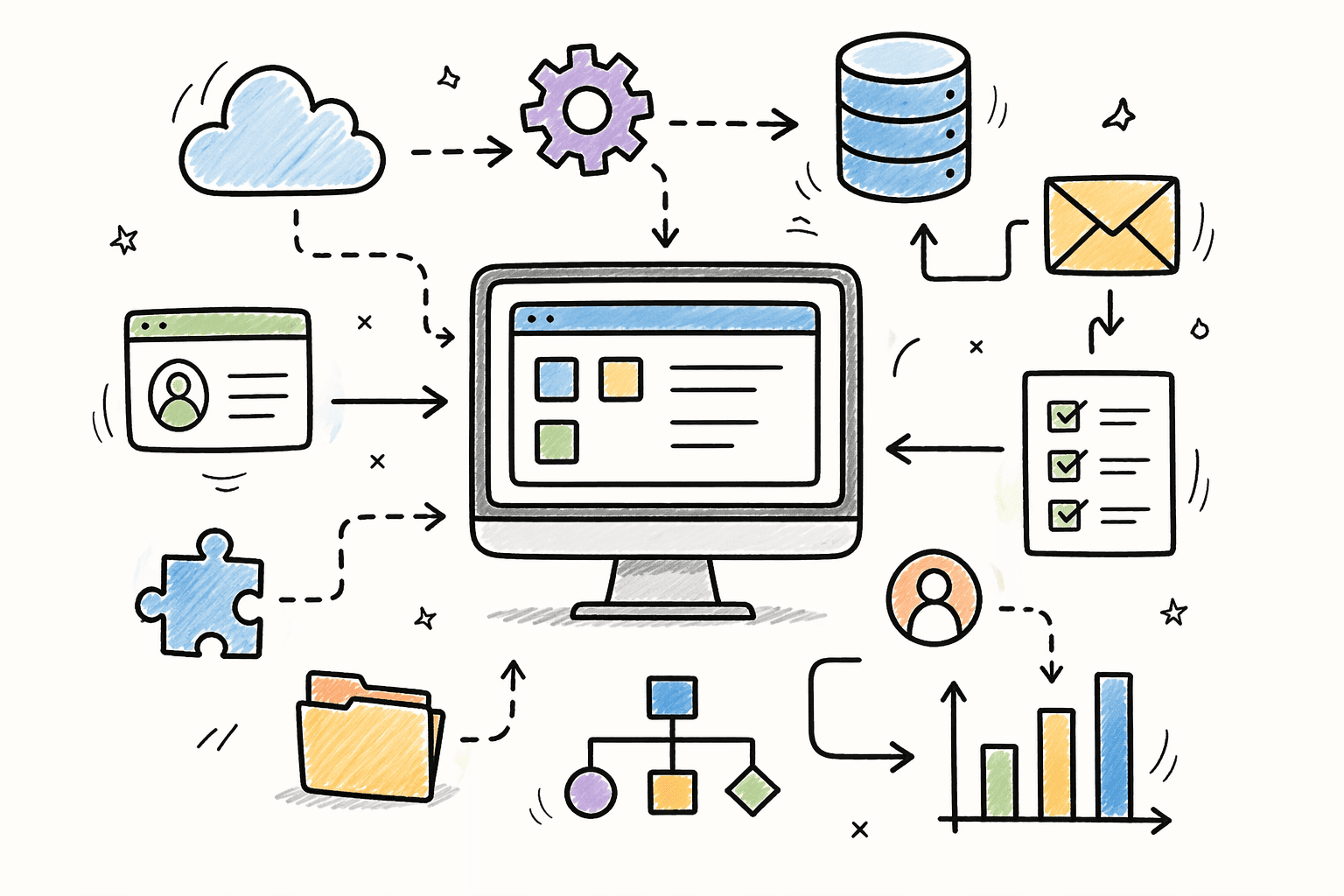
It is a map of how everything connects.
Which tools hold client data. Which tools trigger automations in other tools. Which workflows pull data from shared sources. Where manual handoffs still exist. Where failure points hide.
Here is how we run the audit process with agencies:
Step 1: Inventory every tool with an active subscription
Start by listing every tool your agency pays for. CRM, automation platforms, ad platforms, reporting tools, project management, communication, file storage.
Do not skip tools just because they seem small. A $15 per month Zapier subscription can be running 20 critical workflows.
For each tool, document:
- Who has access
- What it is used for
- When it was set up
- Who set it up
- Whether it is actively used or just forgotten
Most agencies discover they are paying for 3 to 5 tools nobody is using. That is $500 to $1,000 per month in wasted subscription costs.
Step 2: Map data flow between tools
This is the step most agencies skip. And it is the most important.
For every tool that stores client data, trace where that data comes from and where it goes.
Does your CRM pull data from lead forms? Does your reporting tool pull data from your CRM or directly from ad platforms? Does your project management tool sync with your CRM or are they disconnected?
Draw a diagram showing every data connection. Use arrows to show direction. If data flows both ways, show both arrows.
This diagram reveals the dependencies. If you change something in Tool A, which other tools break? If Tool B goes down, what stops working?
Without this map, you are making changes blind.
Step 3: Document every automation
Most agencies have automations running in 3 to 5 different tools. Zapier, Make, n8n, GoHighLevel, HubSpot workflows.
List every automation. For each one, document:
- What triggers it
- What it does
- What data it uses
- Where it writes data
- What other automations depend on it
Most agencies discover automations they forgot existed. A Zapier workflow that was set up 2 years ago and is still running. A Make scenario that someone built as a test and never turned off.
Some of those forgotten automations are critical. Others are creating duplicate data or wasting API calls.
Step 4: Identify single points of failure
A single point of failure is anything in your system that, if it breaks, stops multiple workflows.
Common examples:
- A Google Sheet that multiple automations read from or write to
- A Zapier webhook that triggers 5 different workflows
- A CRM field that determines which pipeline a lead goes into
- A person who is the only one with admin access to a critical tool
If that Google Sheet gets deleted, 5 workflows break. If that Zapier webhook fails, lead routing stops. If that CRM field gets renamed, onboarding fails. If that person leaves, nobody can access the tool.
List every single point of failure. Those are your highest priority fixes.
Step 5: Test failure scenarios
This is the step most agencies avoid because it feels risky. But it is the only way to know if your systems are resilient.
Pick a non-critical workflow. Intentionally break it. See what happens.
Remove a required field from a lead form. See if the automation handles it gracefully or creates incomplete records.
Disconnect a tool integration. See if workflows fail with clear error messages or fail silently.
Change a CRM field name. See which workflows break and whether anyone gets alerted.
You are not breaking production systems randomly. You are testing in a controlled way to find weaknesses before they cause real problems.
What This Reveals
When we run this audit process with agencies, we find the same issues everywhere.
Issue 1: Redundant tools doing the same thing
An agency is paying for both Zapier and Make. Both are running workflows. But nobody knows which workflows are in which tool.
When something breaks, the team checks Zapier. The workflow is not there. They assume it is broken. It is actually running in Make and working fine.
The fix is consolidating. Pick one automation platform. Migrate everything to it. Cancel the redundant subscription.
Issue 2: Data living in multiple places with no source of truth
Client budget information is in the CRM, a Google Sheet, and a Notion board. All three have different numbers because they were updated at different times.
When someone needs to know a client’s budget, they check all three and hope one is correct.
The fix is making the CRM the source of truth. All budget data lives there. Other tools pull from it. Nothing writes to those other locations anymore.
Issue 3: Workflows with circular dependencies
Workflow A updates a field in the CRM. That triggers Workflow B. Workflow B updates a different field. That triggers Workflow A again.
The result is an infinite loop that runs until it hits a rate limit.
The fix is adding conditions to prevent the loop. If Workflow A updated the record in the last 60 seconds, Workflow B does not trigger.
Issue 4: Automations with no monitoring
A critical workflow stops working. Nobody notices for 2 weeks. Leads are going to the wrong pipeline. Reports are missing data. Clients are getting incomplete updates.
The fix is adding monitoring. If a lead comes in and does not create a CRM record within 5 minutes, send an alert. If a report runs but has zero line items, send an alert.
Issue 5: Access concentrated in one person
One person has admin access to every tool. They are the only one who can modify workflows, add users, or change settings.
When they leave or go on vacation, nobody else can make changes.
The fix is distributing access. At least two people should have admin access to every critical tool. Document login credentials in a secure password manager the team can access.
How to Run This Audit Without Breaking Things
The key is doing this audit without disrupting operations.
Do not start changing things during the audit. Just document what exists.
Do not test failure scenarios on production workflows during business hours. Test on duplicates or during off-hours.
Do not remove tools until you have confirmed nothing depends on them.
The audit phase is observation only. You are building the map. Changes come after the map is complete.
What Happens After the Audit
Once you have the full map, you can see exactly where your infrastructure is fragile.
Which tools can be consolidated. Which workflows need error handling. Which single points of failure need backup systems. Which automations can be deleted.
That becomes your roadmap for what gets fixed first.
Most agencies prioritize based on risk. Fix the single points of failure first. Then add monitoring. Then consolidate redundant tools. Then rebuild workflows with proper error handling.
Some agencies run the audit and fix things themselves. Others move forward with a full rebuild. Both approaches work.
The audit gives you clarity. What you do with that clarity is up to you.
Your Next Step
If you have no idea what is actually running inside your agency, start with an audit.
The Operations Clarity Walk is a full audit of every workflow, CRM setup, and automation in your agency. You get a Loom video showing how everything connects and a reference sheet showing what is working and what is broken.
From there, you decide what to fix first.