
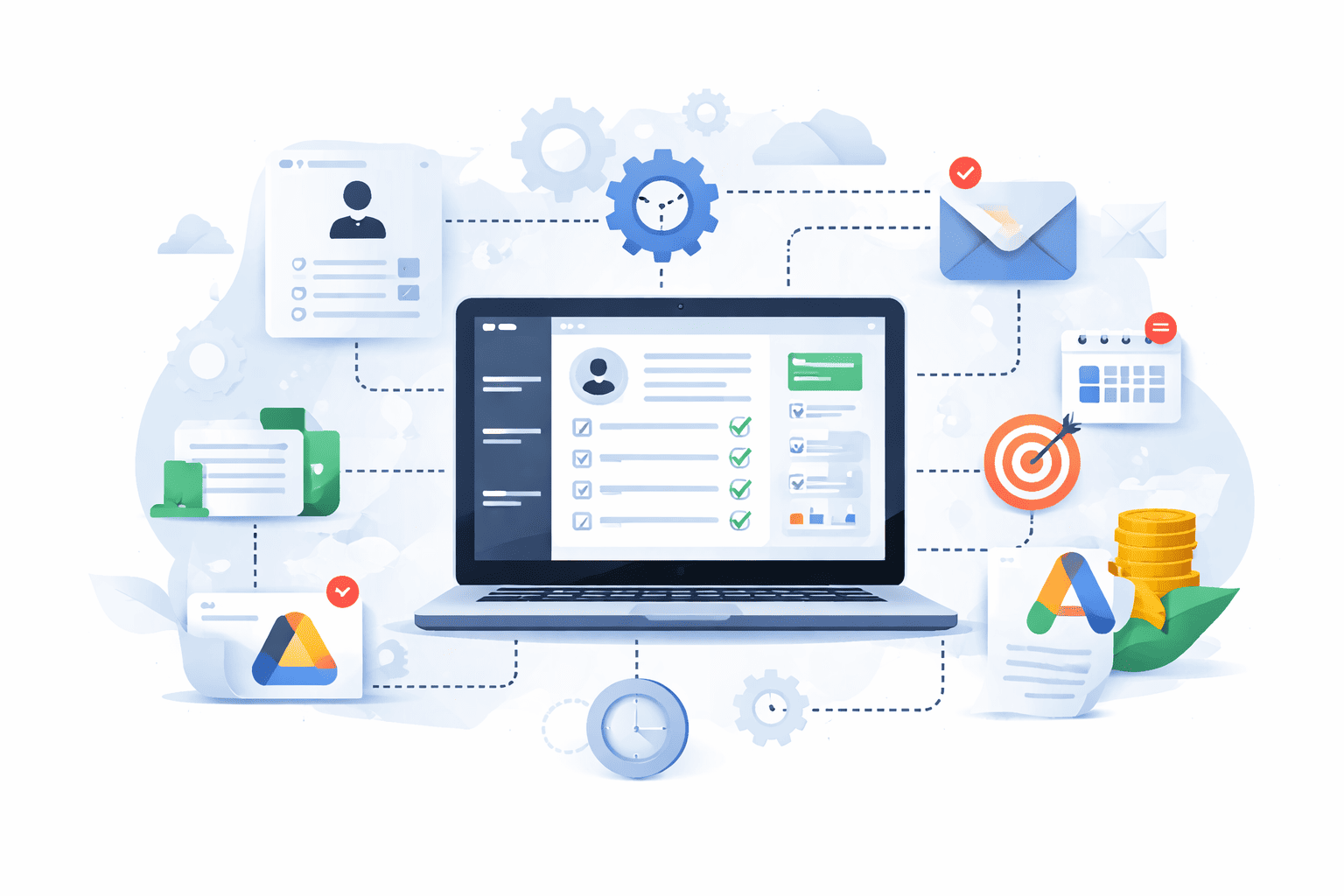
If on-boarding a new client still takes your agency 2 to 3 days of manual work, you are losing more money than you think.
Not just the time your team spends filling out forms, creating folders, setting up campaigns, and sending welcome emails.
You are losing the capacity to take on more clients. You are losing the ability to scale without hiring. And you are training your team to depend on the founder for every step.
After working with 100+ digital agencies, the math is clear. Every hour spent on manual on-boarding is an hour not spent growing the agency.
And most agencies are spending 16 to 24 hours per new client doing work that should take 30 minutes.
Why Manual On-boarding Costs More Than You Think
When a new client signs, your team probably does something like this:
- Someone creates a folder in Google Drive and copies over templates
- Someone sets up the client in the CRM manually
- Someone builds the first campaign in Google Ads or Meta
- Someone sends the welcome email and schedules the kickoff call
- Someone assigns the account manager and updates the internal tracker
Each step is simple. But none of them are connected. So every person involved has to ask someone else for information. What is the client’s budget. What services did they sign up for. Who is the main contact. What reporting cadence did we agree to.
The result is constant back and forth. Questions in Slack. Emails asking for details that should already be in the system. Delays while someone waits for an answer.
By the time the client is fully on-boarded, 2 to 3 days have passed. And if your team is on-boarding two or three clients in the same week, everything else stops.
The real cost is opportunity cost.
If your team can only onboard one client per week without everything else falling behind, you have a ceiling. You cannot take on more than four clients per month. And if those clients are paying $2,000 to $5,000 per month, you are capped at $20,000 in new monthly recurring revenue.
Meanwhile, your sales process is working. You could be closing six or eight clients per month. But your operations cannot keep up.
So you either turn down clients or you hire more people to handle on-boarding. Both options cost money. And neither fixes the real problem.
What Proper On-boarding Infrastructure Looks Like
On-boarding should not depend on someone remembering to do things in the right order.
It should be a system. One workflow that runs the same way every single time. Triggered automatically when a client signs. No manual steps. No waiting for someone to be available.
Here is what that looks like:
Step 1: Client signs the contract
The moment the contract is signed in your CRM or proposal tool, a workflow triggers. It does not wait for someone to notice. It does not depend on an email notification. It starts immediately.
Step 2: CRM record is created with all required fields
The workflow pulls data from the signed contract and creates a complete CRM record. Client name, contact information, services purchased, budget, start date, billing cycle, account manager assignment. Everything that matters.
No manual data entry. No asking someone in Slack what the client signed up for.
Step 3: Project folder structure is created
A Google Drive folder is created automatically with the correct sub-folder structure. Campaign assets. Reporting. Client communication. Meeting notes. Every folder your team needs to manage the account properly.
Step 4: Campaign setup begins
If the client signed up for Google Ads, the workflow creates the campaign structure in Google Ads using your agency’s template. Budget is set. Targeting is configured. Conversion tracking is installed.
Same process for Meta Ads, LinkedIn Ads, or any other platform your agency uses.
Step 5: Reporting is configured
The client is added to your reporting automation. Their dashboard is created. Scheduled reports are set to send on the agreed cadence. Your team dashboard is updated to show the new client account.
Step 6: Team is notified
The account manager gets a notification with everything they need to start working. Campaign is live. Folder is ready. Client is in the CRM. No setup work required.
Step 7: Client receives welcome email
The client gets an automated welcome email with next steps, login credentials, and the kickoff call details. Personalized with their name and services. Sent automatically without anyone touching it.
Total time: 30 minutes from contract signed to client fully on-boarded and ready to go.
How This Changes Your Agency
When on-boarding runs automatically, three things happen:
1. You can take on more clients without adding people
If on-boarding takes 30 minutes instead of 3 days, you can onboard 10 clients in a week instead of 2. Your operations team is no longer the bottleneck. Your sales team can close deals without worrying if operations can keep up.
2. Your team stops asking the founder for everything
When on-boarding is a system, the account manager does not need to ask the founder what to do. They get a notification. The client is ready. The campaign is live. The folder is set up. They can start working immediately.
3. Clients get a better experience
Clients do not care that your team is busy. They care that they signed a contract and nothing is happening. When on-boarding is automated, the client sees progress immediately. Welcome email arrives within minutes. Campaign goes live the same day. First report is already scheduled.
That is the difference between a client who trusts your agency and a client who wonders if they made the right decision.
What We Do Differently
Most automation agencies will build you an on-boarding workflow and call it done.
We rebuild your entire client delivery system so on-boarding connects properly to everything else.
If your on-boarding workflow creates a CRM record, but your reporting workflow pulls data from a Google Sheet, those two systems are not connected. The on-boarding automation works. The reporting automation works. But they do not work together.
That is why we start with the Operations Clarity Walk. We audit every workflow in your agency to see how everything connects. Then we rebuild it so on-boarding, reporting, and delivery all pull from the same source of truth.
No disconnected systems. No manual data transfer between tools. Just one connected infrastructure that works.